

Ramp Intelligence
AI capabilities across Ramp finance workflows for spend management, policy review, and finance automation.
FinanceFreemium

Receipt scanning and expense reports with SmartScan OCR, corporate cards, approvals and accounting sync for small teams.
Overview
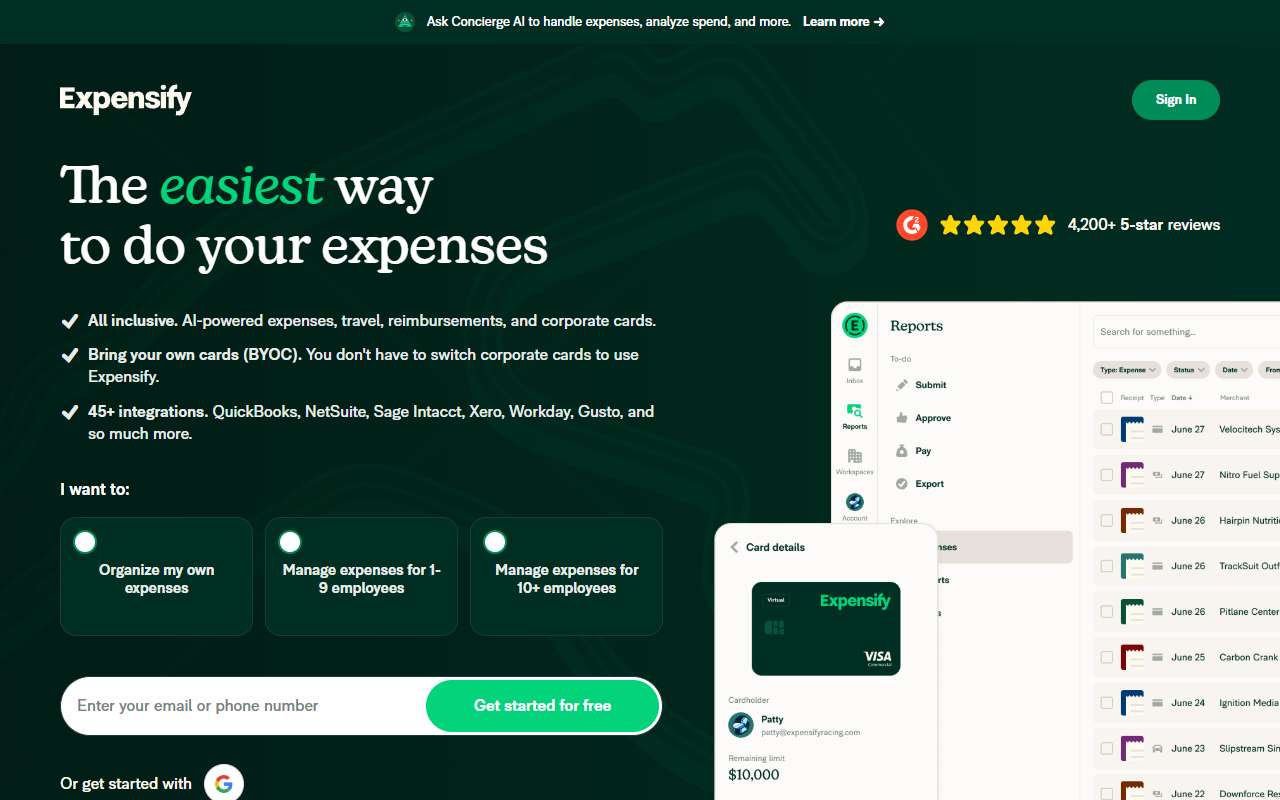
Expensify is expense management software where employees photograph receipts and SmartScan reads merchant, date, amount and category, then merges them with card transactions into expense reports. The Collect plan covers receipt capture, basic approvals, reimbursements and sync to QuickBooks, Xero and NetSuite; Control adds multi-level approval chains, custom expense rules and policy enforcement. The Expensify Card issues virtual and physical cards with real-time spend limits and reduces the subscription price. Small businesses use it when staff buy supplies, travel or entertain clients and the owner wants receipts attached to the ledger without chasing people. AI features include duplicate detection, automatic categorization and receipt-to-invoice matching. Integrations include QuickBooks Online, Xero, Gusto, Slack, Uber and Lyft. A pilot would enroll three or four employees on Collect, forward existing receipts, and sync one month of reports to accounting. Caveat: Control pricing varies widely depending on card usage and annual commitment, so the headline price is easy to misread.
Document extraction
Reading receipts into structured expense lines with minimal typing.
3-6 weeks to value · Medium effort · High risk · moderate
Spend policy review
Flagging out-of-policy expenses and routing them to an approver before reimbursement.
2-5 weeks to value · Medium effort · Medium risk · moderate
Accounts payable automation
Capturing vendor bills by email and pushing them to accounting for payment.
3-6 weeks to value · Medium effort · Medium risk · moderate
Verdict
Pays back on
Compare
AI capabilities across Ramp finance workflows for spend management, policy review, and finance automation.
Receipt and invoice capture that extracts data with AI and publishes coded transactions to QuickBooks, Xero or Sage.
Not paid placement. Verified means the listing passed our current editorial checks; it does not guarantee fit for every workflow.