Notion AI
AI writing, summarization, and knowledge management inside Notion.
ProductivityPaid
Records your clicks and typing to auto-generate step-by-step guides with screenshots, text, and AI summaries.
Overview
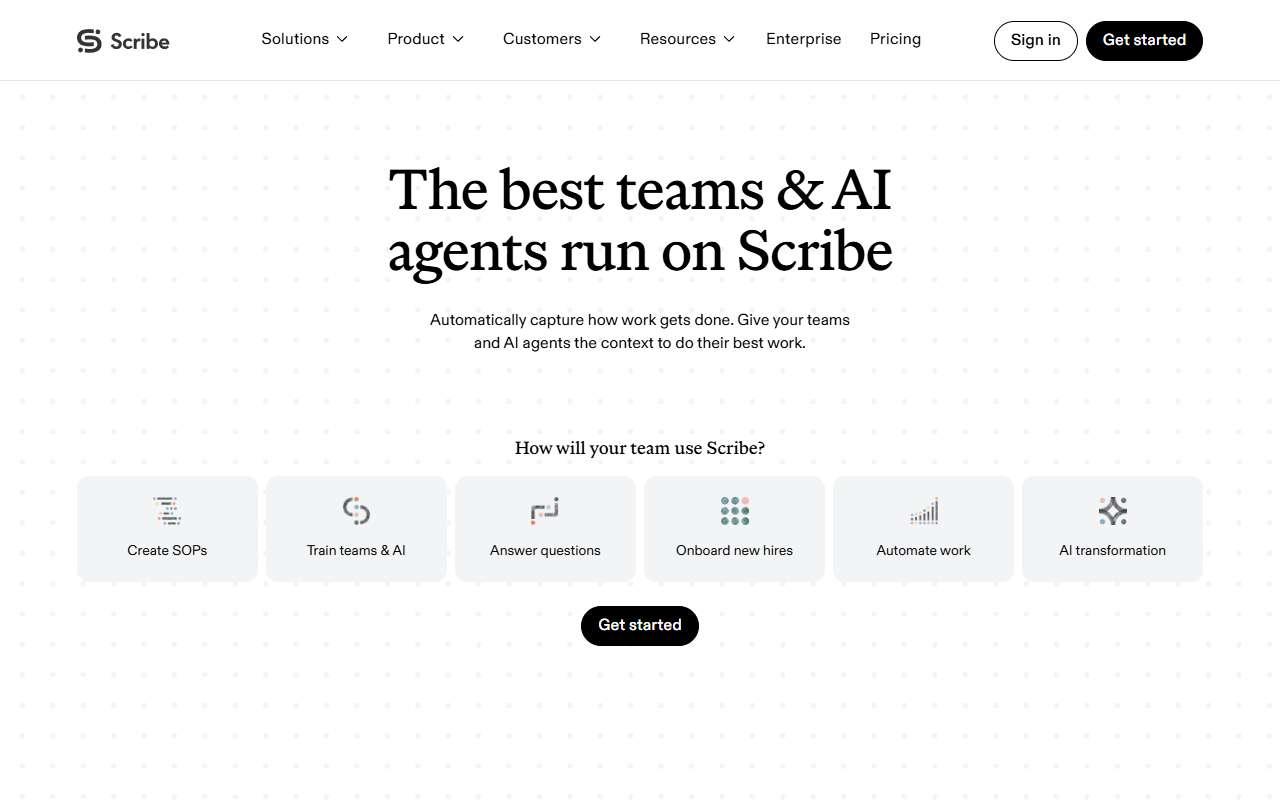
Scribe is a browser extension and desktop app that watches a user perform a process, such as issuing a refund in Shopify or onboarding a client in a CRM, and turns it into a written guide with numbered steps, annotated screenshots, and an AI-written title and description. Guides can be combined into pages, edited, redacted to hide sensitive data, and shared by link, embedded in a help center, or exported to PDF, Notion, Confluence, SharePoint, and Google Docs. Small businesses use it to document SOPs for new staff, create customer how-to articles, and hand off tasks to contractors without writing instructions by hand. The free Basic plan supports web capture, while the Pro plans add desktop app capture, branding, redaction, and exports. Integrations cover Chrome, Edge, Notion, Confluence, Slack, Zendesk, and SharePoint. The caveat is that guides capture clicks, not reasoning, so complex judgment-based processes still need a human-written explanation, and Pro Team requires five seats.
Training content
Creating SOPs and onboarding guides for any web or desktop process in minutes.
2-4 weeks to value · Medium effort · Medium risk · low
Learning and enablement
Giving staff self-serve visual instructions instead of shadowing a colleague.
3-6 weeks to value · Medium effort · Medium risk · low
Knowledge management
A library of how-to guides that stays current because re-recording is faster than rewriting.
3-6 weeks to value · Medium effort · Medium risk · low
Customer support
Producing customer-facing how-to articles with screenshots for a help center.
2-4 weeks to value · Medium effort · Medium risk · low
Verdict
Pays back on
AI writing, summarization, and knowledge management inside Notion.

AI video platform for avatar-led training, sales, and explainer videos.

Enterprise AI search and verified knowledge platform with permission-aware answers.
Internal knowledge base with an AI bot that answers staff questions in Slack and Microsoft Teams.
Not paid placement. Verified means the listing passed our current editorial checks; it does not guarantee fit for every workflow.